

-
Antminer S19 XP Hash Board Troubleshooting: Identifying & Repairing The Common Faults
Welcome to the foundational tier of Bitmain S19XP repair education. If you are an aspiring repair technician, a farm manager looking to understand your rigs better, or simply curious about what happens when an S19 XP goes offline, this course is your starting point.
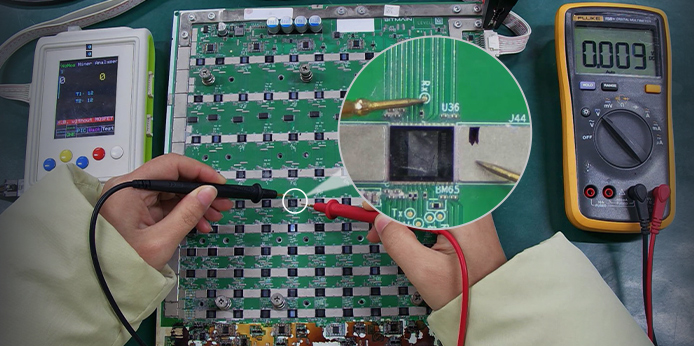
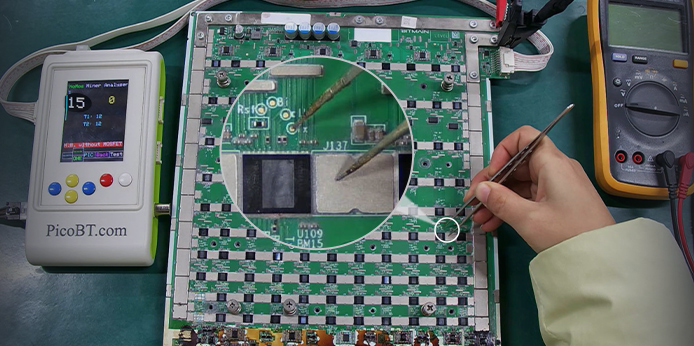
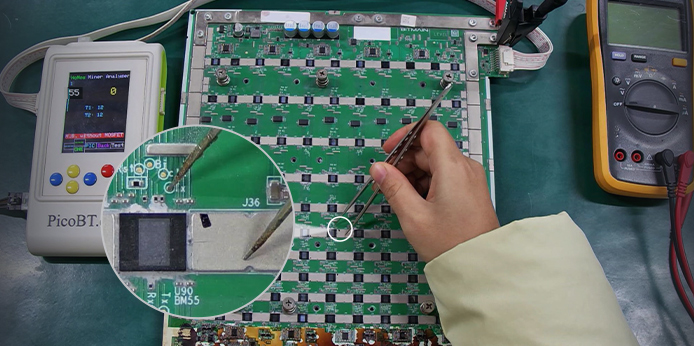
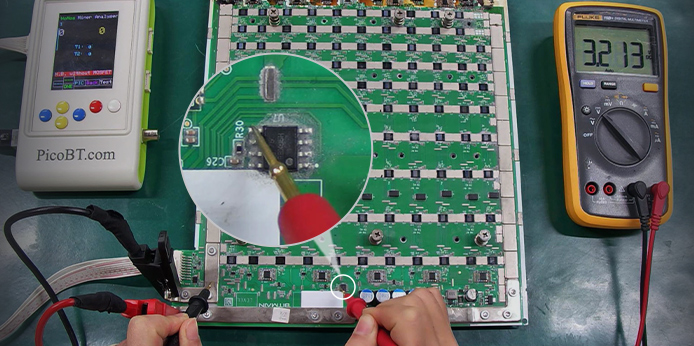
This Fundamental Course video focuses on how to identify the most common computing board fault symptoms and quickly complete the repair.
What You Will Learn
Troubleshooting steps for several common S19XP hash board faults:
1. Only some ASIC chips found / Only a few ASIC chips remaining missing
2. Only 0 ASIC chips found
3. Hash board exhibits highly abnormal faults
This session is designed to give you the confidence to identify problems accurately. We cover the essential first steps of troubleshooting that every miner should know.
Visual Inspection Mastery: Learn to spot physical damage, burnt components on the S19 XP hash board.
Understanding "No Hash" Situations: Why is your board showing zero hash rate? We break down the two main causes: chip failure and communication errors.
Get the foundational skills you need to keep your miners running at peak performance.
Recommended Repair Equipment, Tools, and Materials:
1. Repair Equipment: Constant temperature heating platform
2. Multimeter: For measuring voltage, resistance value, and circuit continuity, etc.
3. Hashboard Testing Tools: PicoBT test fixture
4. Auxiliary Materials: Soldering auxiliary materials kits for ASIC miner repair
5. Common Spare Materials: Antminer S19XP hash board BOM list
Attention: To learn this course, you need to master the soldering of components on this hash board. Please watch and learn from the Relevant Videos (free of charge).
 China Mainland
Hong Kong
China Mainland
Hong Kong
 Business Hours: (GMT+8) 08:30-20:00 Mon to Sat
 Company Phone: +86-023-72227777